Mole: Help My Mac Breathe Again
Introduction
When macOS feels slow for no clear reason, the cause is often ordinary buildup: caches, logs, leftover app data, and rebuildable project artifacts. This note uses Mole, an open-source macOS CLI, to find that weight and remove it without handing the disk to a closed cleaner app.
Mole is macOS-only, supports macOS 12 and newer, and must never be run with
sudo. The current release is V1.59.1.
Installation
Homebrew
brew install moleThis installs the CLI only.
Install script
curl -fsSL https://raw.githubusercontent.com/tw93/mole/main/install.sh | bashPin a version instead of following main:
curl -fsSL https://raw.githubusercontent.com/tw93/mole/main/install.sh | bash -s -- 1.59.1To avoid sudo during future updates, install into your home directory:
mkdir -p "$HOME/.local/bin"curl -fsSL https://raw.githubusercontent.com/tw93/mole/main/install.sh | bash -s -- --prefix "$HOME/.local/bin"export PATH="$HOME/.local/bin:$PATH"Usage
Open the menu
momo alone opens Clean, Uninstall, Optimize, Analyze, and Status. Arrow keys
and Vim keys both work.
Preview cleanup first
Mole is not dry-run by default. Always preview destructive work:
mo clean --dry-runsudo -v && mo clean --dry-runThe second form gives a fuller preview because unprivileged previews skip paths that need administrator access.
Purge project artifacts
purge is separate from clean and targets rebuildable files such as
node_modules, dist, target, venv, .next, DerivedData, and Pods:
mo purge --dry-runmo purge --yesRecent activity is skipped by default, nested repositories are protected, and worktrees themselves are never removed.
Find space, then check health
mo analyzemo statusmo history --limit 20Use analyze to see what is using space, status for a read-only health
check, and history to review what was deleted.
Proof
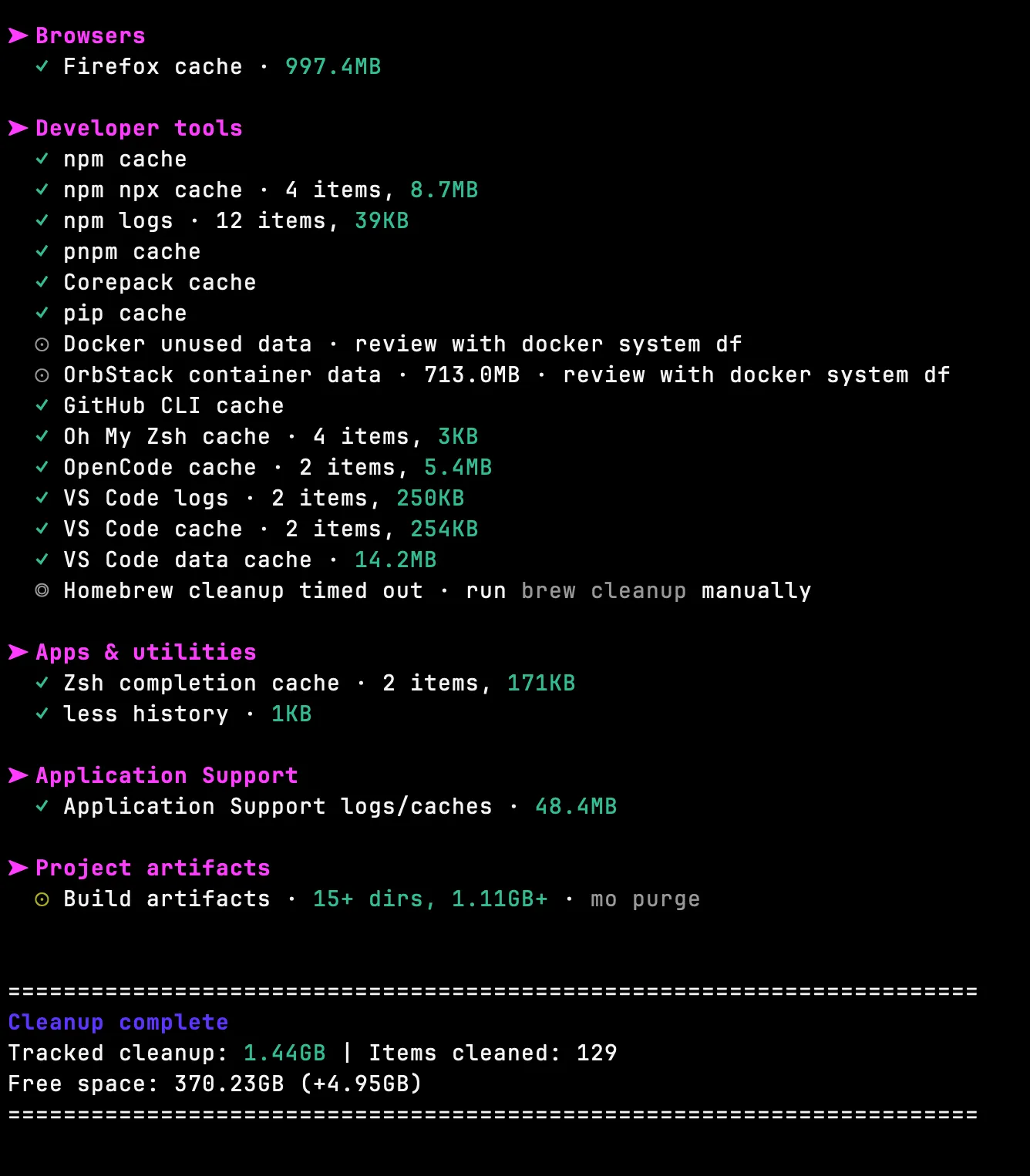
Not a stock screenshot — my own Mac after one run: